


Original material stays beside the result
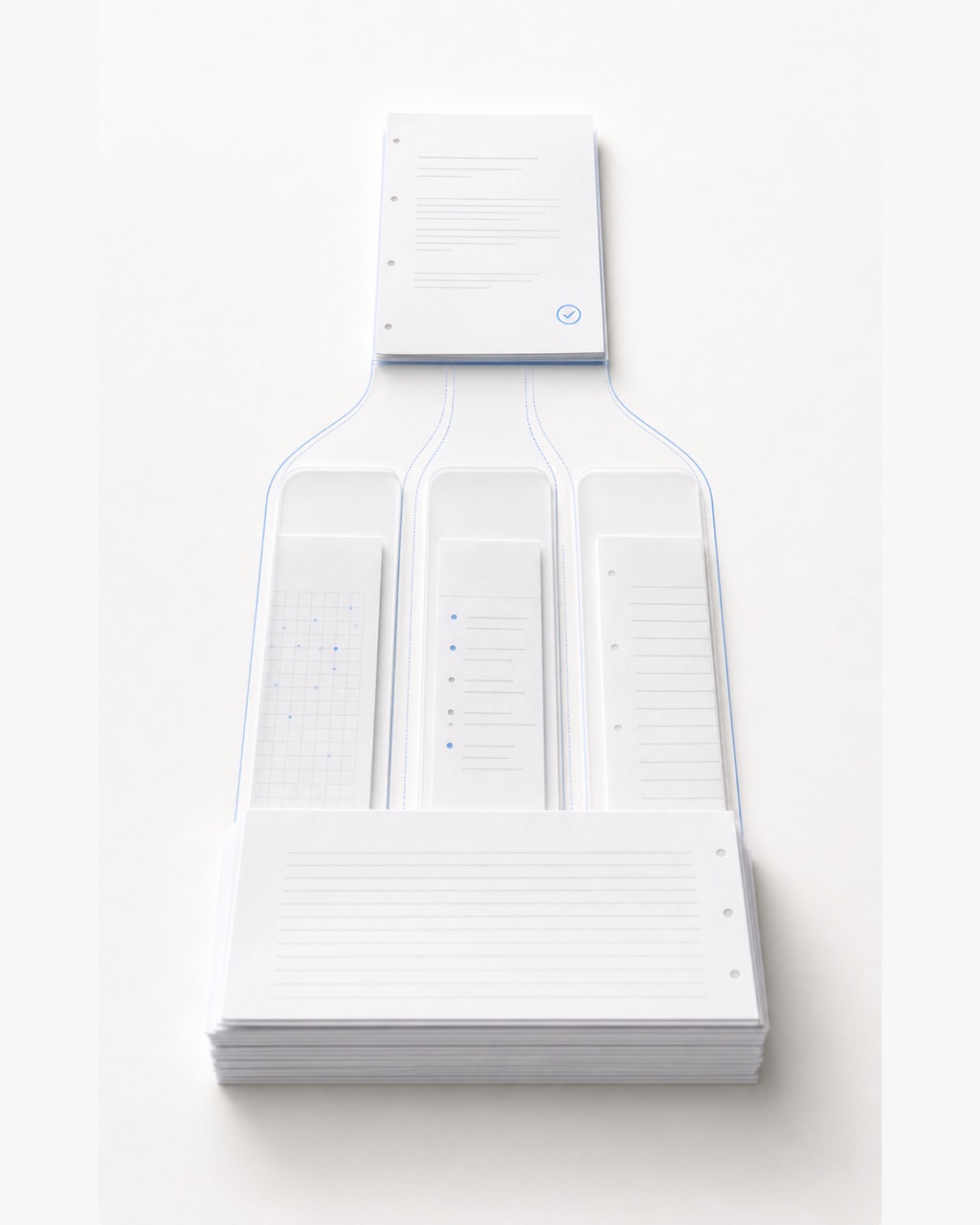
Answer sheets, page order, and student boundaries can be checked before grading and revisited during review.
Batch grading
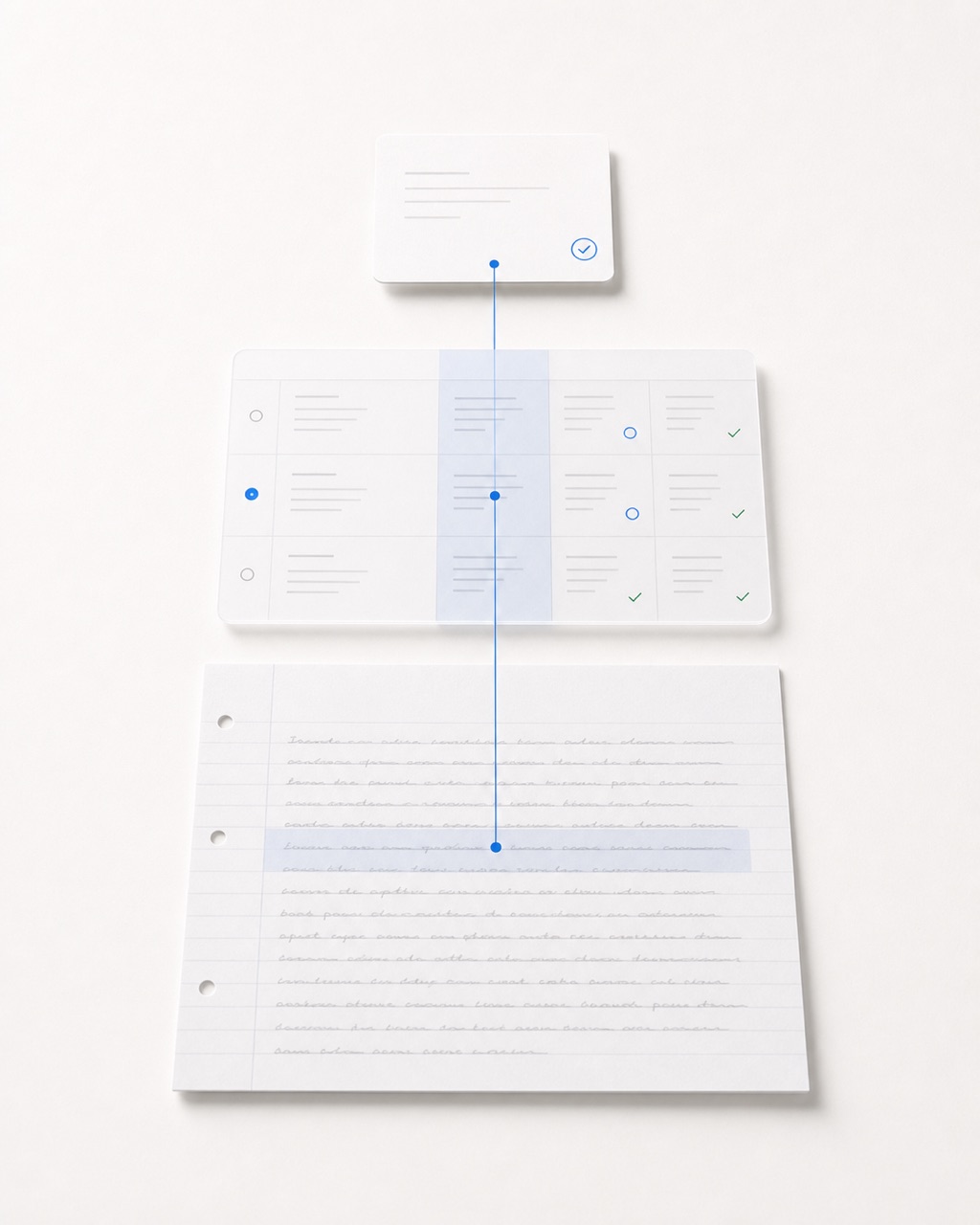
Evidence review
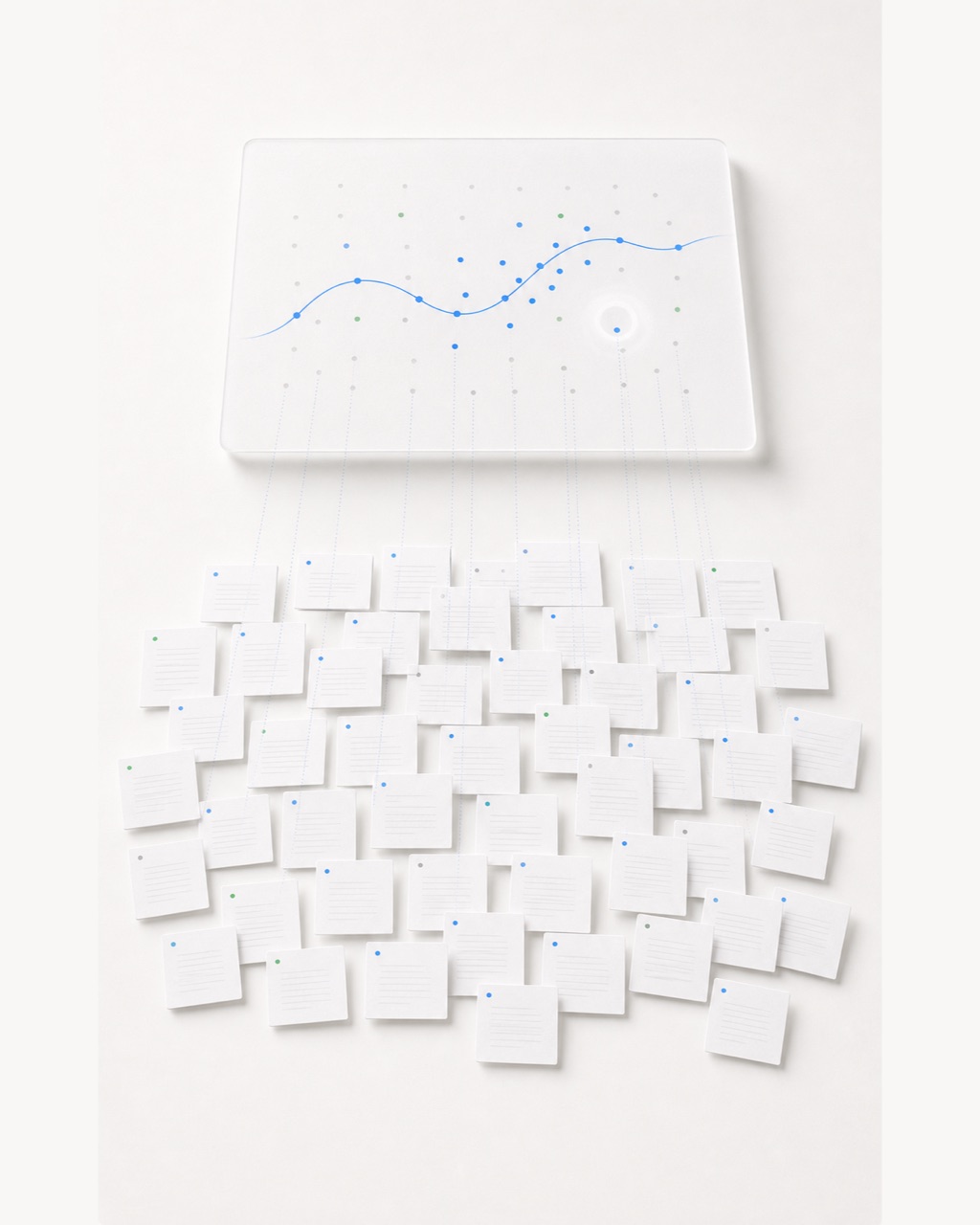
Class analytics
Inside the workspace
GradeOS keeps answer sheets, rubric decisions, evidence, review state, and publication state connected in one teacher-controlled path.
Upload PDFs or page photos once. GradeOS keeps the original material visible while it prepares the run.

Teaching insights
Teacher Assistant
Query the live batch context, inspect the visible tool trace, and keep every action proposal subject to teacher confirmation.
The visible trace summarizes planning, tool use, and GradeOS data retrieval while the answer is assembled.

Provide the teaching context, check the evidence, and turn suggestions into your own actions.
Sign in and open the teaching assistant. Specify the class, batch, or question you want to discuss.
Try: “Which questions in this batch are missing feedback, and what should I review first?” Say what kind of next step would help.
Read the retrieval and tool activity summaries and check the cited material. Teachers decide on suggestions and confirm edits or publication.
Teacher control and data rights
Trust comes from control points visible in the product: original material, teacher review, separate publication, and public privacy and support guidance.
Answer sheets, page order, and student boundaries can be checked before grading and revisited during review.
Teachers inspect high-impact results, evidence, and rubric points first; only then do they decide what to publish.
Account and data guidance is not hidden inside sales copy. Teachers can read it directly or make a request.
Download GradeOS
Install the web app from Safari on Mac, iPhone, or iPad, choose the Windows desktop workspace, or use Android for mobile capture and review.